How it works

From shoot to listing in four steps

The unit of work is a complete property shoot, never a single image.

1

Upload the shoot

Drag and drop the full photo set of a property, or a whole folder.

2

Configure once

Choose the enhancement style, perspective correction and window recovery.

3

Process & review

Compare every room before and after, and re-run anything you want.

4

Export

Download portal-ready, web-ready and print-ready files, organised by room.

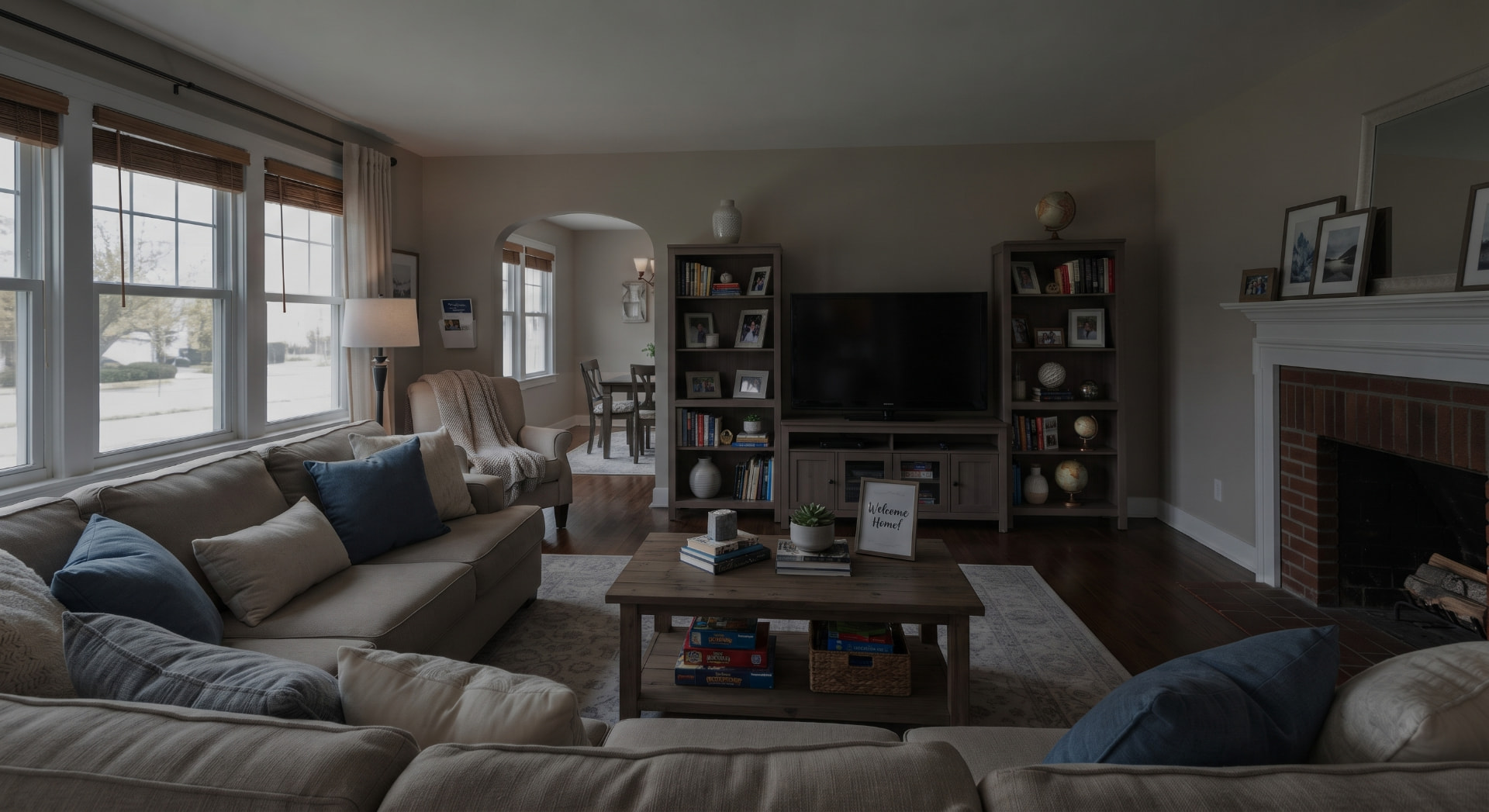
Case 1 · True-to-Property

Natural light, straight lines, balanced colours

Pure photographic correction: the room stays exactly the same, it is simply shown in the best shooting conditions. This is the default processing, applied to the whole shoot.

What we do

  • Exposure and natural HDR to lift dark areas
  • Recovery of blown-out windows and the existing sky
  • Perspective correction and straight verticals
  • Neutral white balance and true colours
  • Noise reduction and moderate sharpening

What we never do

  • Add, remove or move anything
  • Change walls, floors, materials or the view
  • Hide a defect of the property

Best for: every listing, for a professional and consistent look across the whole shoot.
Enhanced
Original
OriginalEnhanced
< >

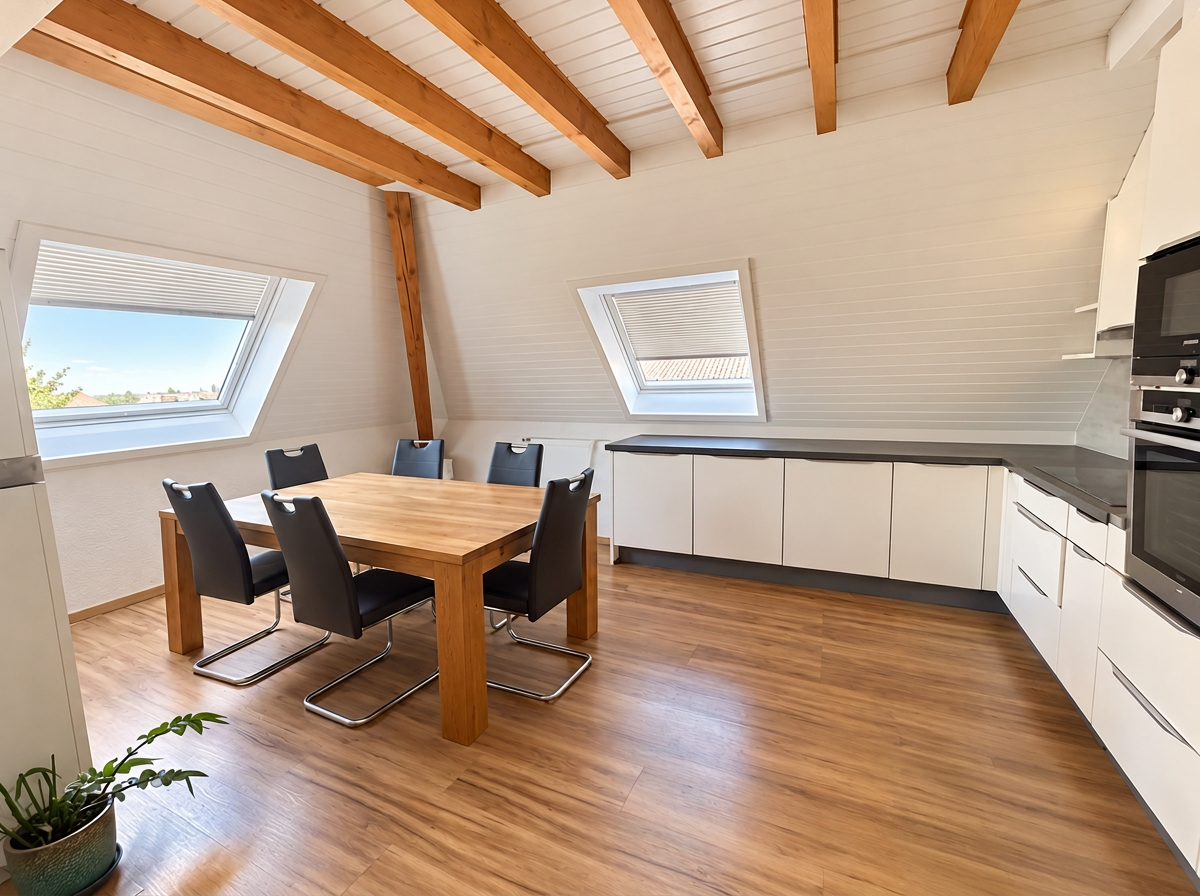
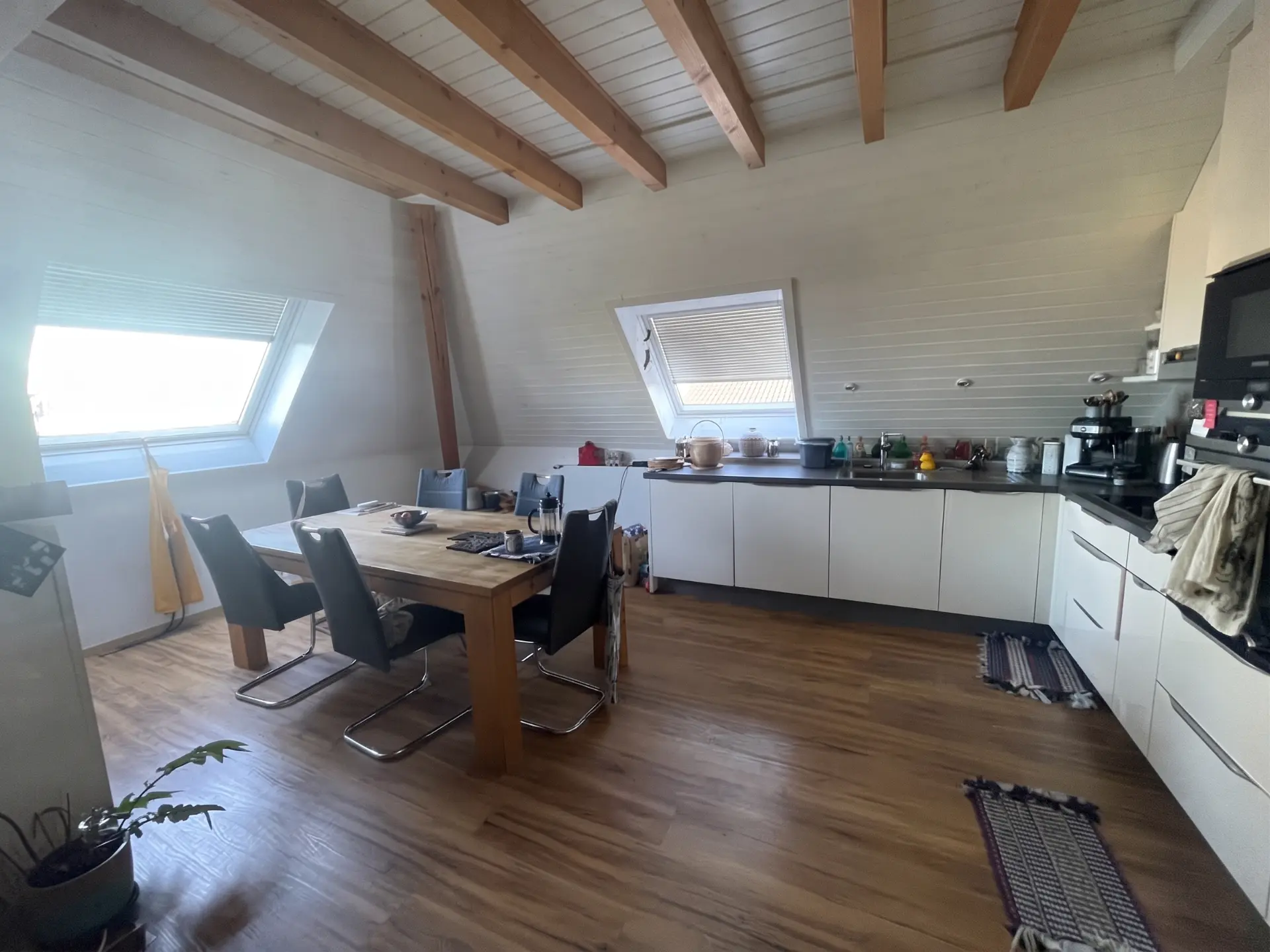
Case 2 · Visualization mode

Decluttering personal items

Dishes, towels, small appliances, rugs: everyday items distract the eye. We remove them to show the space, volumes and fittings of the property.

What we do

  • Removal of movable and personal items
  • Furniture, built-in appliances and structure preserved
  • Same photo enhancement as True-to-Property mode
  • Clear labelling and link to the original photo

What we never do

  • Remove fixed elements (radiators, sockets, beams…)
  • Hide cracks, stains or wear
  • Publish the image without a label

Best for: occupied homes where the seller can't tidy up before the shoot.

Simulated
Original
OriginalSimulated
< >

Virtual Staging — simulated changes

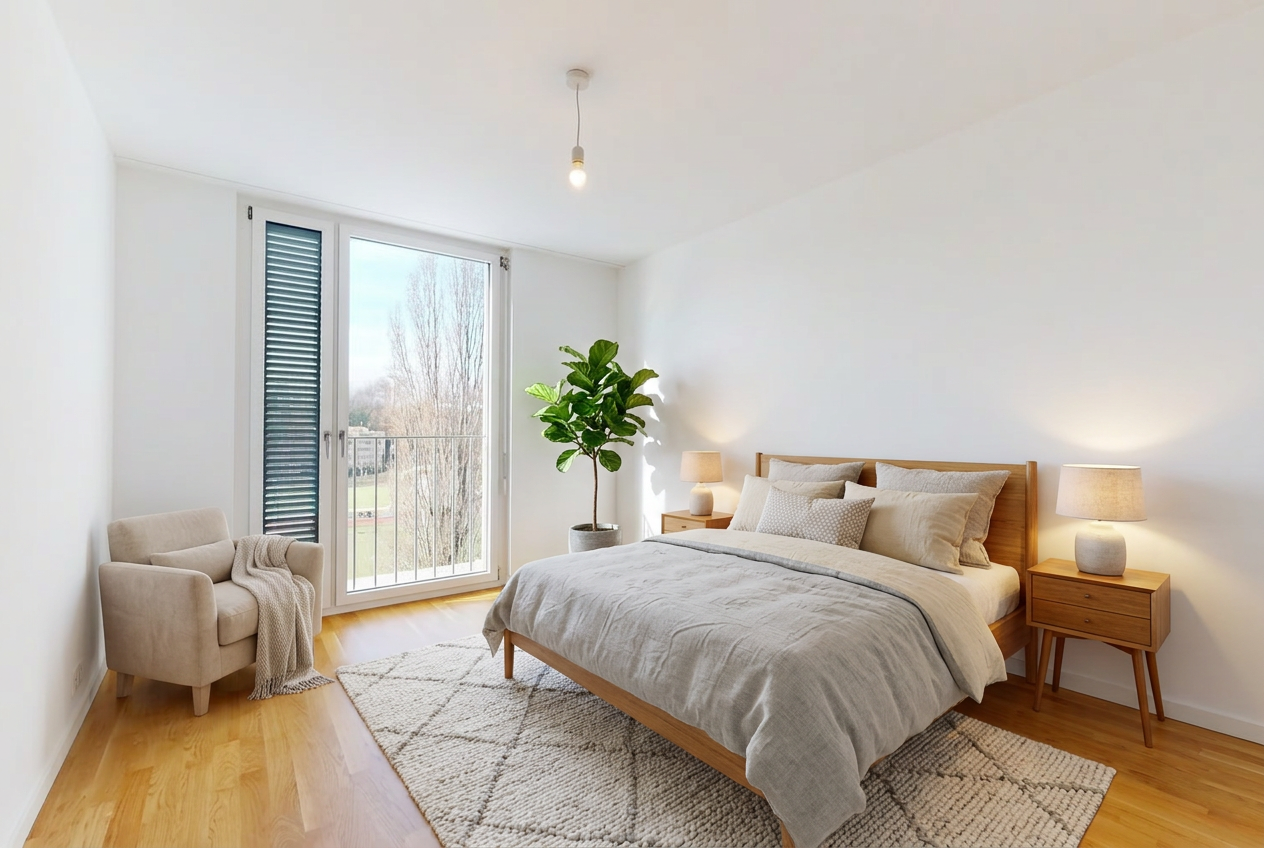
Case 3 · Visualization mode

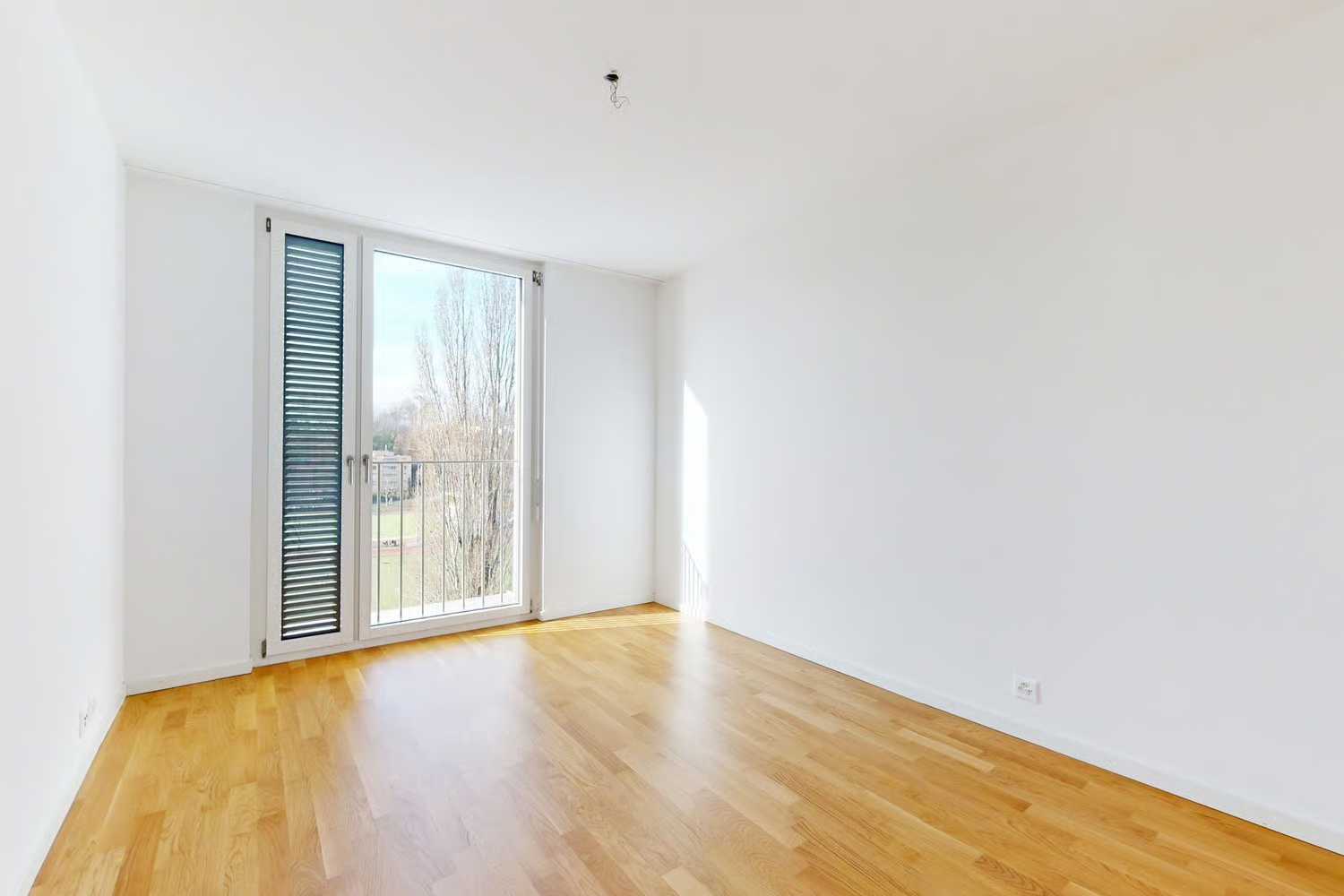
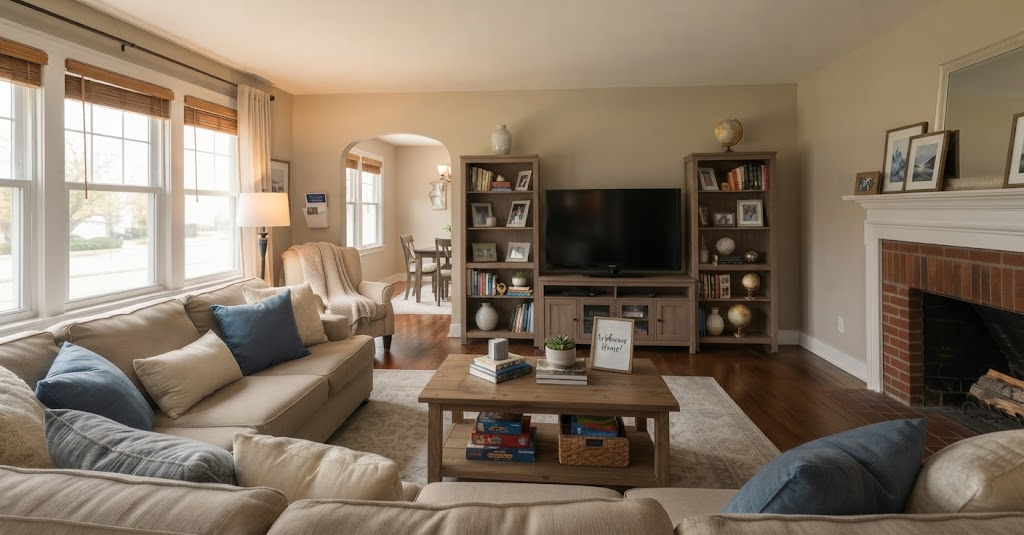
Virtual staging of an empty room

An empty room often looks smaller and impersonal. Virtual staging furnishes it realistically so buyers understand how it can be used and picture themselves living there.

What we do

  • Furniture and decor suited to the room
  • Dimensions, light and perspective respected
  • Walls, floors, windows and view kept identical
  • "Virtual Staging" label with the original always attached

What we never do

  • Change the architecture or materials
  • Alter the view through the windows
  • Suggest furniture is included in the sale

Best for: new or vacant properties, to drive more viewings.

Simulated
Original
OriginalSimulated
< >

Virtual Staging — simulated changes

Turn every property shoot into listing-ready photos

Start free. No credit card required.

Start free