AI real estate photo editing, with strict rules
Generic AI photo tools can invent views, remove cracks or enlarge rooms. EstatePic is AI built for real estate agents and realtors: the model follows a True-to-Property policy that limits it to photographic corrections, across a whole listing at once.
Why AI for property photos
Agents shoot on phones, in poor light, with little time. AI fixes these capture problems in seconds, consistently across a whole listing.
Guardrails built in
The model is instructed never to add, remove or resize anything physical. A review message flags potential material alterations.
Your choice of treatment
Pick light enhancement, decluttering or furnishing empty spaces for each batch. The last two are labelled as simulated.
- Designed for real estate
- True-to-Property by default
- Visualization clearly labelled
- Works from phone photos
Our policy: True-to-Property Mode · For agencies · Real estate photo editing
AI real estate photo editing: before and after
Drag the slider to compare the original listing photo with the AI-edited version. Same room, same furniture — only the photography is corrected.
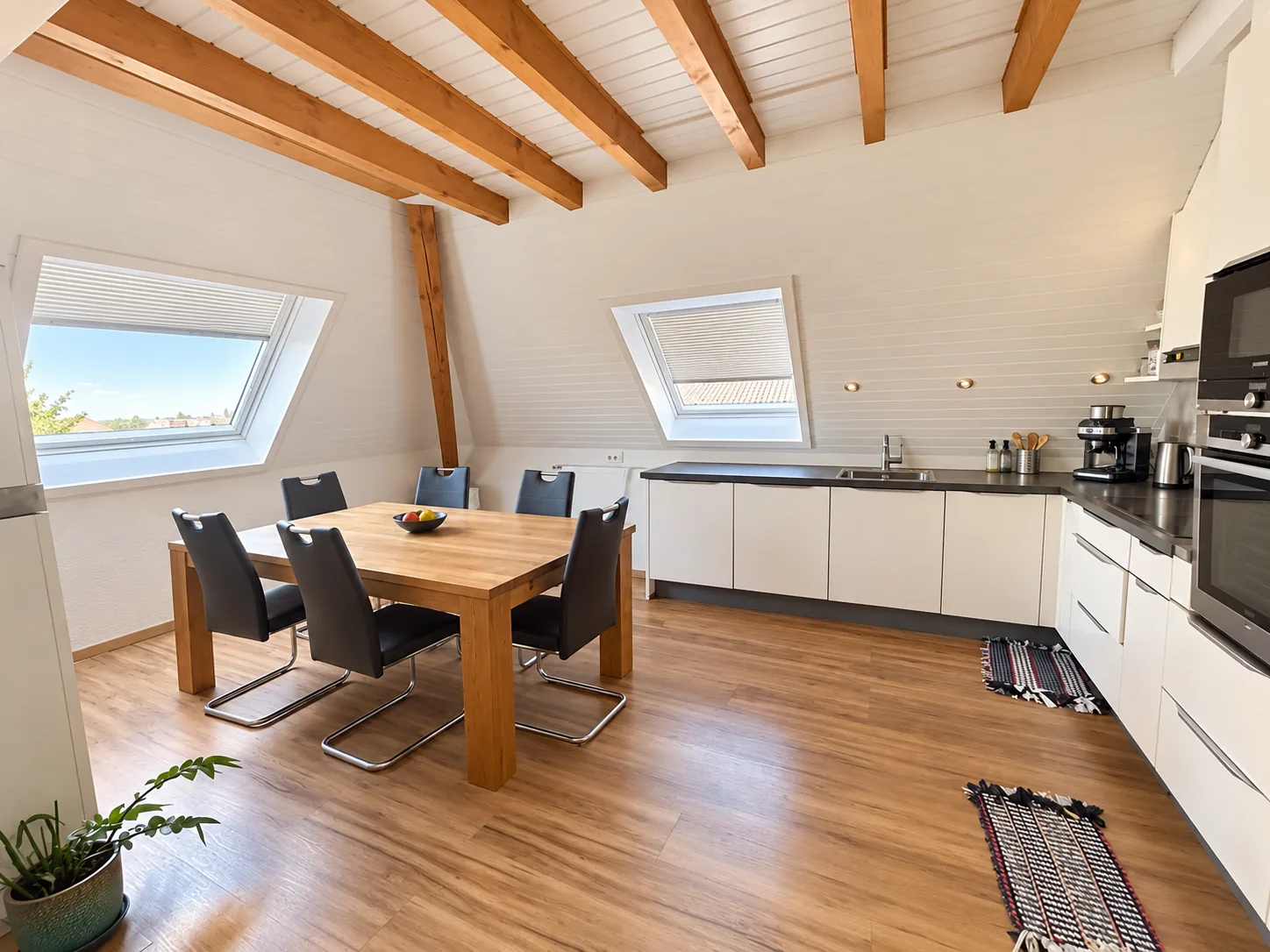
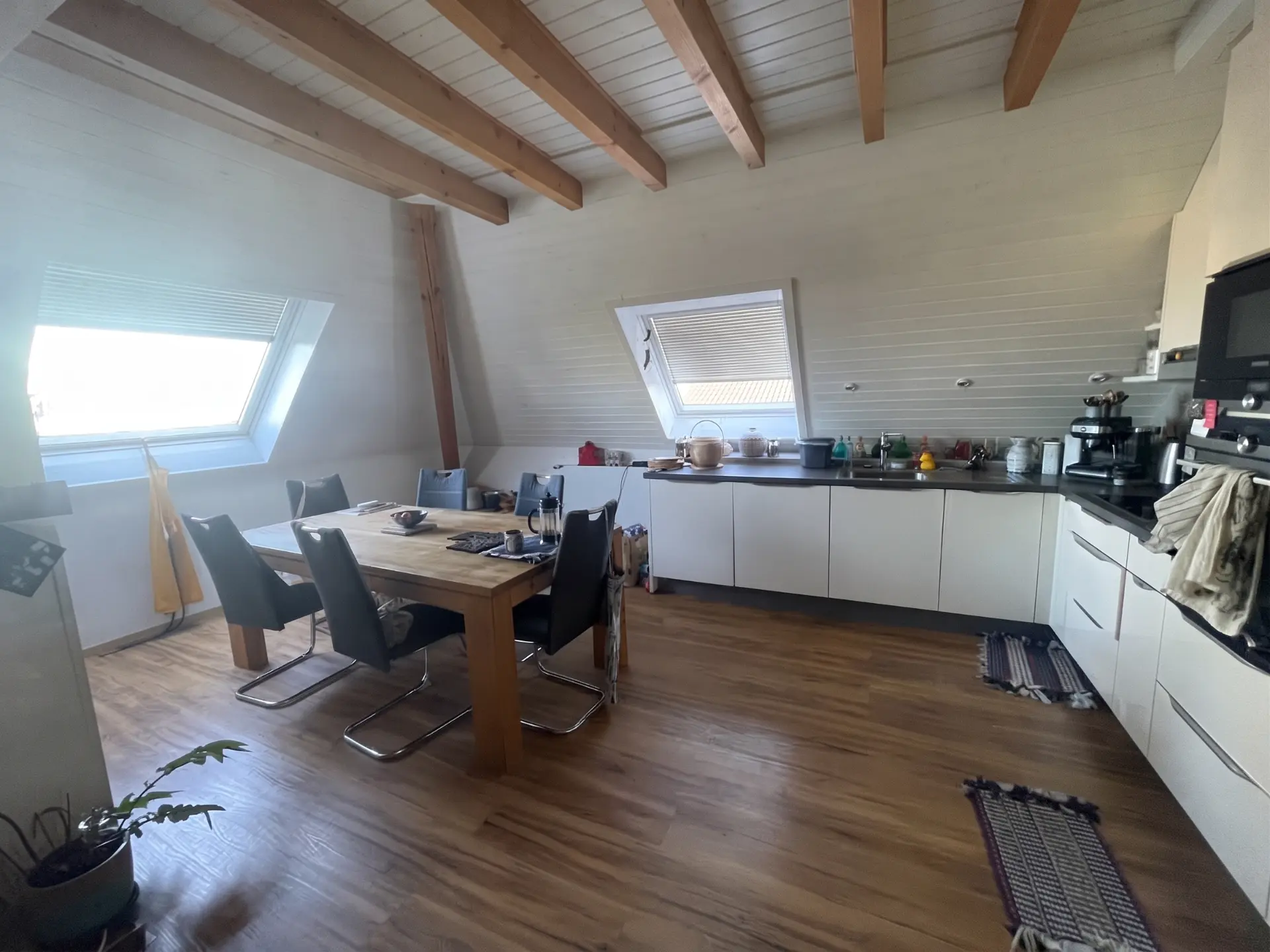

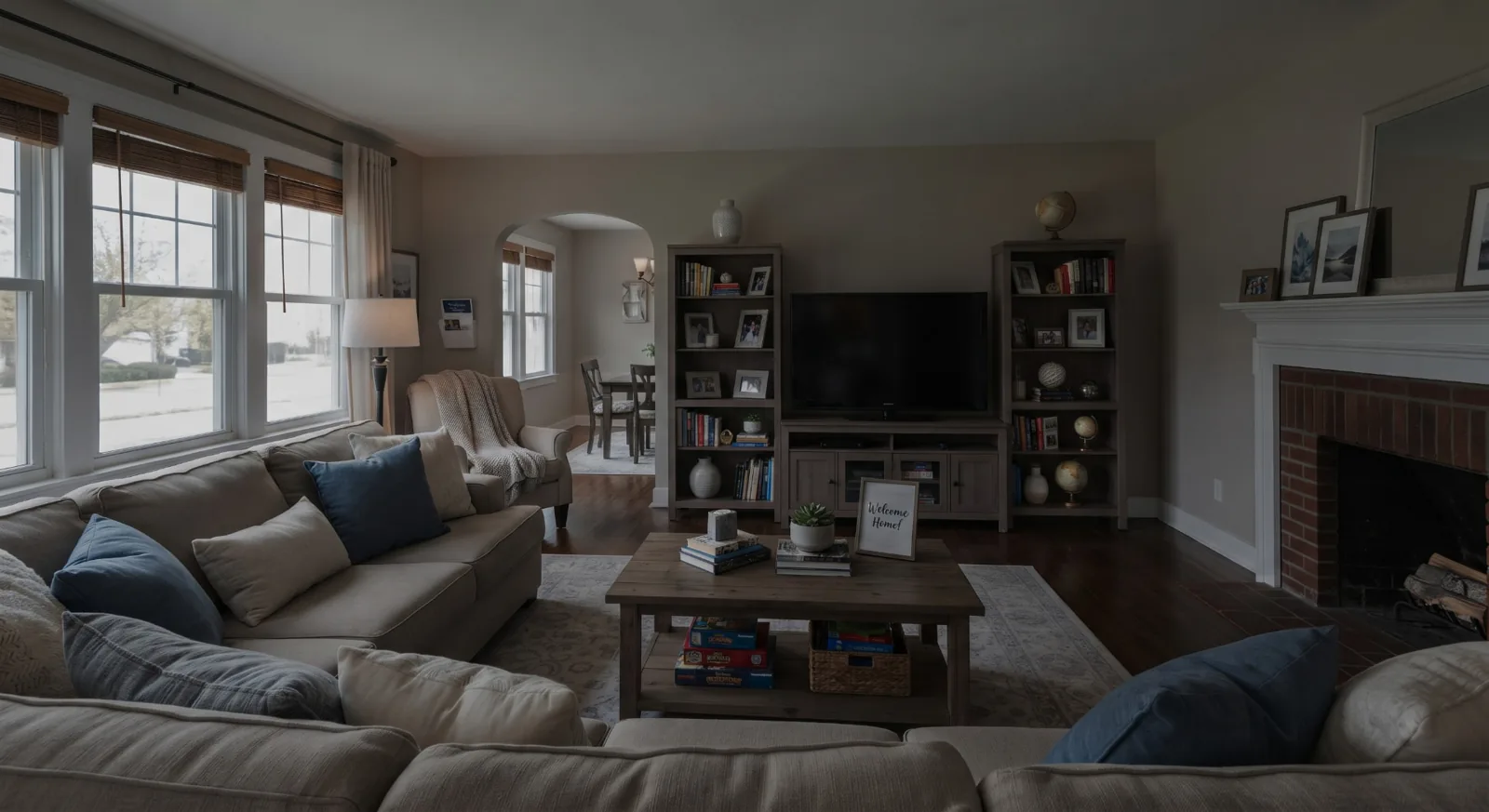
What the AI photo editor corrects
- Exposure and natural daylight balance
- Window pull and HDR-style dynamic range
- Vertical lines and perspective straightened
- White balance and true-to-life colours
- Grey skies turned natural blue when appropriate
- Vibrance and micro-contrast for crisp listings
How to edit real estate photos with AI in 3 steps
1. Upload your listing photos
Drop up to 25 JPG, PNG or WebP photos (10 MB each) straight from your phone or camera — interiors and exteriors.
2. Choose the AI treatment
Light & colour enhancement for every listing; decluttering or light virtual staging as clearly labelled visualizations.
3. Review and download
Compare each before/after, download one photo or the whole batch. Every edited photo is saved in your account gallery.
AI real estate photo editing pricing
3 free credits on sign-up · 20% off with annual billing · See all plans
AI real estate photo editing FAQ
What is AI real estate photo editing?
It uses an AI model trained to correct property photos automatically: exposure, colour, perspective, windows and sky. EstatePic applies these corrections to a whole listing in about a minute, without manual retouching.
Does the AI change the property itself?
No. Our True-to-Property policy forbids adding, removing or resizing anything physical — walls, cracks, views, appliances stay as they are. Decluttering and virtual staging are offered as separate, labelled visualizations.
Can I edit exterior photos?
Yes. Facades, gardens, pools, terraces, entrances and garages are supported, with natural sky and light improvements.
How long does AI photo editing take?
Around 10 seconds per photo, three photos processed in parallel. A batch of 10 to 15 photos is usually ready in under a minute.
How much does AI real estate photo editing cost?
€19 for 60 photos with no subscription, or Team at €39/month (200 credits) and Premium at €98/month (unlimited credits). One credit = one edited photo. Annual billing saves 20%.
Can I try it for free?
Yes. New accounts receive 3 free photo credits after confirming their email address.
See also
Real estate image editing & HDR enhancement
Enhance real estate photos naturally: HDR blending, window pull, colour cast removal and perspective correction. The property stays real.
AI virtual staging
Real estate virtual staging for realtors and agencies: furnish empty rooms with AI in minutes, clearly labelled as simulated, original photo always kept.
Virtual decluttering for real estate
Remove clutter and personal items from property photos with AI. Depersonalise occupied homes for your listing while keeping the property itself unchanged.